Offline Knowledge
Your own library, searchable and answerable—offline
Quietly’s Knowledge tab turns your files into a private library on your computer. Add documents or whole folders, search them in plain words, and ask questions that are answered from your files—with links to the exact passages. Add offline archives like Wikipedia or WikiMed and carry a whole encyclopedia with you, no internet required.
Answers with sources
Ask a question and Quietly finds the matching passages first, then answers from them. Every answer links back to the page it came from, so you can check it yourself.
Wikipedia, offline
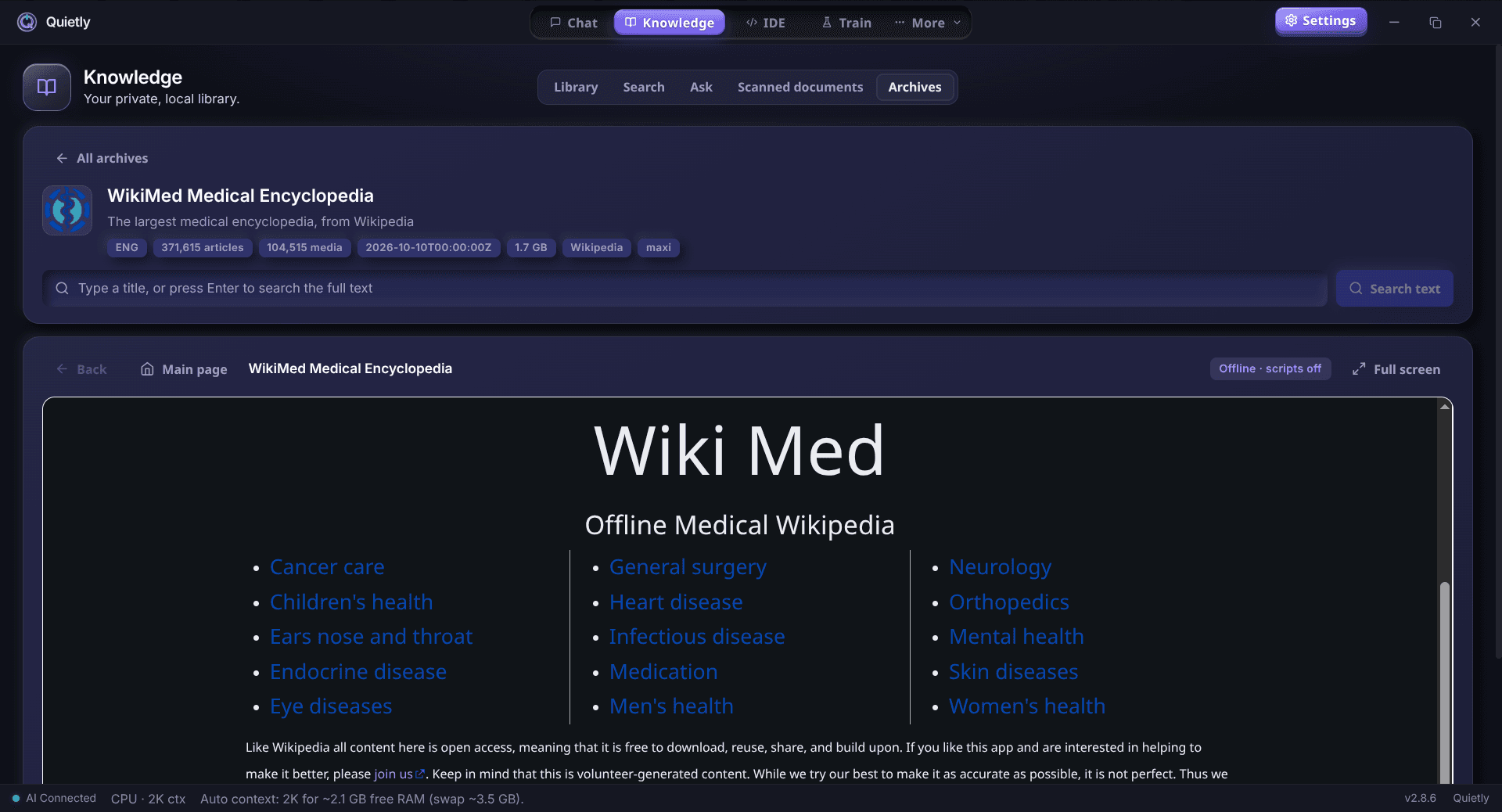
Open Kiwix archives (.zim)—Wikipedia, WikiMed, guides and more. Quietly reads them where they are, even on an external drive, and searches them instantly.
Nothing is uploaded
Reading, indexing, search and answers all happen on your computer. Your documents never leave your disk.
What the Knowledge tab does
Library: drop in files or folders and Quietly copies them into a local library, split into collections. It reads PDF, Word, EPUB, PowerPoint, CSV, HTML, RTF, Markdown and plain text, and it reads the text inside pictures and scanned pages too.
Search: find passages by meaning, not just exact words. Search “how do I reset the router” and get the paragraph that explains it, even if it uses different wording.
Ask: get an answer written by a local AI model from the passages it found. Quietly checks the answer against matching quotes and shows the sources, so you can open the exact page behind each claim.
Archives: open offline encyclopedias, medical references and guides as Kiwix .zim files. Read full articles in the built-in reader, search across every archive at once, and include them when you ask questions.
Who uses an offline knowledge base?
Students and researchers who want to ask questions about their papers, notes and textbooks without uploading them to a cloud chatbot.
Professionals with contracts, reports or client files that must stay private—and anyone who wants Wikipedia and medical references on a laptop when the internet is slow, expensive or gone.
Use your library in Chat
Turn on “Knowledge in Chat” and you can pull a collection into any conversation, so the local model answers from your own documents.
Your library is yours to keep: export a backup, restore it on another computer, and check whether the original files have changed since you added them.
Guides
Local RAG for Repos: Private Project Context Without Cloud
How local RAG gives an offline AI IDE surgical repo context without uploading code: indexing under .quietly/, .gitignore/.quietignore, cursor-aware retrieval, and a privacy checklist for teams.
A Private ChatGPT for Students: How to Study with AI Offline
Use a ChatGPT-style assistant that runs on your own laptop—no internet, no subscription, and no one reading your chats. Practical study workflows, the best small models for student laptops, and how to use AI without cheating yourself.
When ChatGPT, Claude and Grok Went Down Together: Building an Offline AI Backup Plan (2026)
On September 3, 2026, Claude, ChatGPT, Codex and Grok failed at the same time—so switching providers didn’t help. What 2026’s outages taught us about “multi-AI” resilience, what downtime really costs, and a three-tier offline backup plan you can set up in an afternoon.