Local RAG for Repos: Private Project Context Without Cloud
How local RAG gives an offline AI IDE surgical repo context without uploading code: indexing under .quietly/, .gitignore/.quietignore, cursor-aware retrieval, and a privacy checklist for teams.
Awareness · 12 min
Local RAG for Repos
How local RAG gives an offline AI IDE surgical repo context without uploading code: indexing under .quietly/, .gitignore/.quietignore, cursor-aware retrieval, and a privacy checklist for teams.
Definition
Local RAG for repositories indexes your codebase on disk and retrieves only the snippets needed for a prompt—so a local LLM can answer with project context without uploading the repo to a cloud embedding or chat API.
Paste-the-whole-repo into a chatbot is not a strategy. It burns context windows, leaks secrets, and still misses the file that mattered. Retrieval-Augmented Generation (RAG) fixes the “what should the model see?” problem—if the index never leaves your machine.
Quietly’s Project Brain is local RAG built for coding: indexes under .quietly/, respects .gitignore and .quietignore, and pulls surgical context around your cursor. This guide explains the architecture in plain language and how to run it safely offline.
If your security team’s fear is “our source code becomes someone else’s training data,” local RAG is the control plane that makes on-device coding assistants usable on real projects.
Why coding assistants need RAG (and why “local” matters)
Even a 32k–128k context model cannot cheaply hold a monorepo. RAG stores searchable chunks on disk, then injects only high-signal slices into the prompt. Cloud RAG products often embed and store those slices on vendor infrastructure. Local RAG keeps both the index and the inference path on devices you control.
Cloud RAG vs local RAG for source code.
| Dimension | Cloud repo RAG | Local RAG (Quietly Project Brain) |
|---|---|---|
| Where embeddings/index live | Vendor storage | On-disk under your project (.quietly/) |
| What leaves the machine | Chunks + queries (typically) | Nothing required for retrieval/inference |
| Secret risk | Keys in indexed files may upload | Still indexable—but never leave disk |
| Offline use | Usually no | Yes after models + index exist |
| Best for | Convenience | NDAs, air-gap, IP-sensitive code |
warning
Local RAG is not automatic secret hygiene
If .env or credentials are not ignored, they can still be indexed locally. That is safer than uploading them—but you should still exclude secrets so the model never sees them in-prompt either.
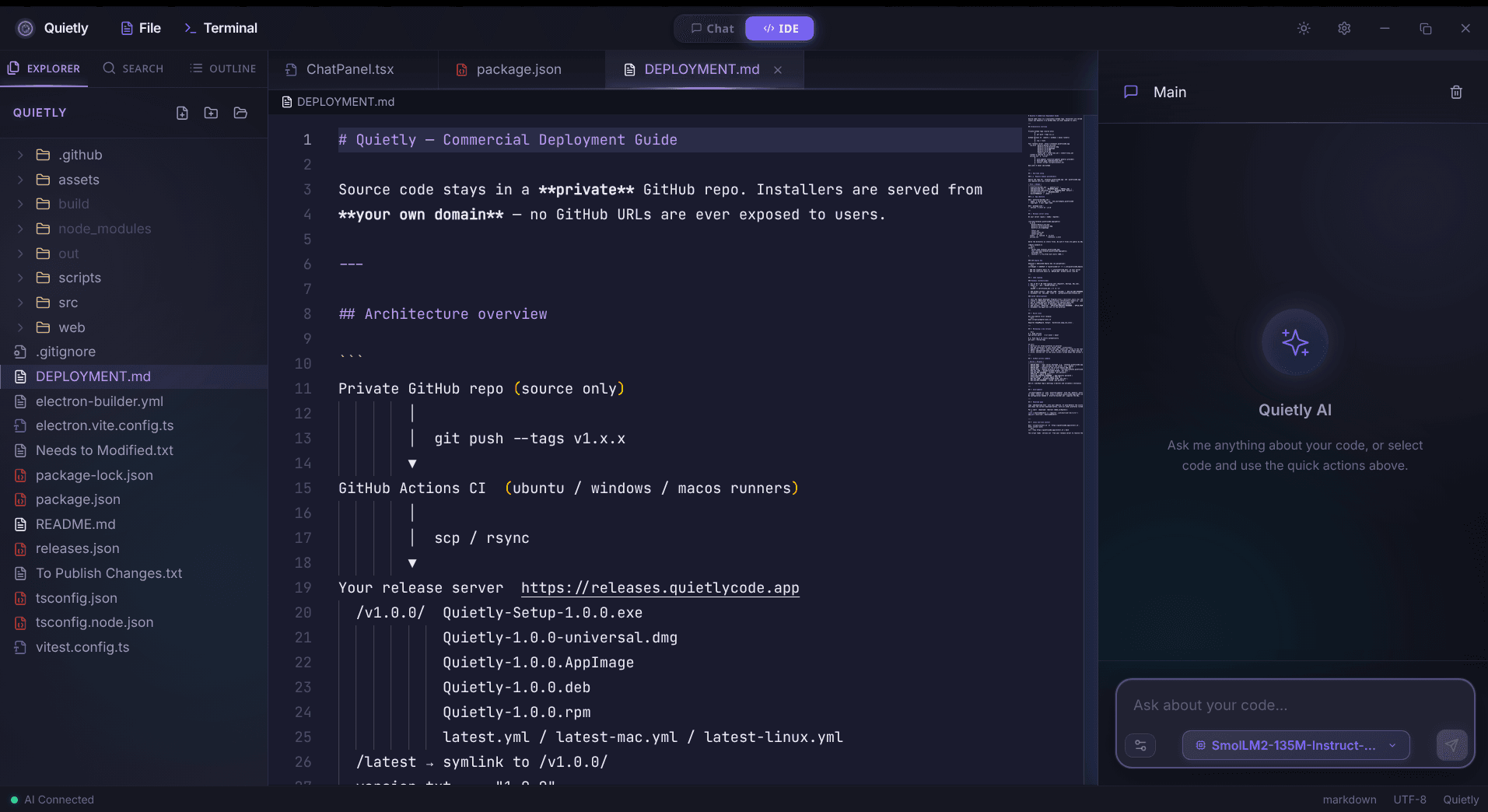
How Quietly Project Brain works
Project Brain is Quietly’s local RAG layer for the offline AI IDE. Conceptually it does four things—always on your machine:
- Discover: walk the project tree while honoring .gitignore and .quietignore.
- Chunk: split source into retrieval-friendly pieces (functions, blocks, docs)—not random 2k character noise when possible.
- Index locally: store retrieval structures under .quietly/ in the project (machine-local artifact, not a SaaS sync folder).
- Retrieve at ask-time: pull top snippets plus cursor neighborhood so prompts stay small and relevant.
note
.quietly/ is a local cache, treat it like build output
Commit policy is a team choice. Many teams gitignore .quietly/ like they ignore dist/ or .cache/. The source of truth remains your repo; the index is regenerable. Document that choice in onboarding.
Ignore layers Quietly expects you to think about.
| Mechanism | Typical role | Example excludes |
|---|---|---|
| .gitignore | VCS + often shared hygiene | node_modules, build/, .env |
| .quietignore | AI-index policy beyond git | large fixtures, vendor trees, recordings |
| Manual attach | You override retrieval | Paste/attach a specific file bundle |
Cursor-aware retrieval beats “search the whole company”
Generic enterprise search optimizes for “find any doc.” Coding RAG should optimize for “what is true next to my cursor right now.” Quietly biases toward surgical context: nearby symbols, imports, and retrieved siblings—not a random top-20 from an unrelated package.
- Explain this function: retrieval should prefer the open file + callees over marketing Markdown in /docs.
- Refactor across modules: retrieval should surface interface definitions and tests, not every CSV in /data.
- Debug a failing type: retrieval should include the error-adjacent types, not the entire generated GraphQL schema unless needed.
tip
Attach with intent
When Quietly lets you attach code or Problems bundles before send, use that for known hot files. RAG finds candidates; attachments declare ground truth. Together they beat either alone.
Private repo RAG checklist (teams)
- Confirm Quietly runs local inference (no cloud prompt path for normal coding).
- Add secrets patterns to .gitignore and mirror critical ones in .quietignore.
- Exclude generated giants: lockfile dumps, minified bundles, WASM, video fixtures.
- Decide whether .quietly/ is gitignored (recommended for most teams).
- Re-index after large refactors or branch switches if answers look stale.
- Air-gap mode: provision models first; then work disconnected with the local index.
- Security Feed mindset: verify AI context reads are from disk in-project—not from the internet.
Example .quietignore patterns (illustrative—adapt to your stack).
# Secrets & local env
.env
.env.*
**/*secret*
**/credentials*.json

# Dependency & build noise
node_modules/
dist/
build/
.target/
vendor/

# Bulky non-code
**/*.mp4
**/fixtures/large/**
**/snapshots/**
tip
CTO one-liner for policy docs
“We use on-device inference with a local repository index stored under the developer workstation; source code is not sent to third-party LLM APIs for ordinary assistant use.” Pair with Quietly’s air-gapped AI IDE guidance for regulated environments.
Making answers better without uploading more code
Symptom → local fix (no cloud required).
| Symptom | Likely cause | Local fix |
|---|---|---|
| Answers ignore your APIs | Index missing or stale | Re-index; check ignore rules |
| Suggests wrong package names | Retrieved unrelated chunks | Tighten query; attach the interface file |
| Leaks env examples into chat | Secrets not ignored | Update .gitignore/.quietignore; rebuild index |
| Slow + vague | Too much low-signal context | Lower attachment count; smaller model or context |
| Great on toy repo, weak on mono | Noise folders indexed | Quietignore vendor/generated trees |
Model size still matters: RAG feeds better prompts, but a too-small model can misuse perfect context. Pair Project Brain with a coding model sized for your VRAM (see the VRAM guide and best local coding models posts).
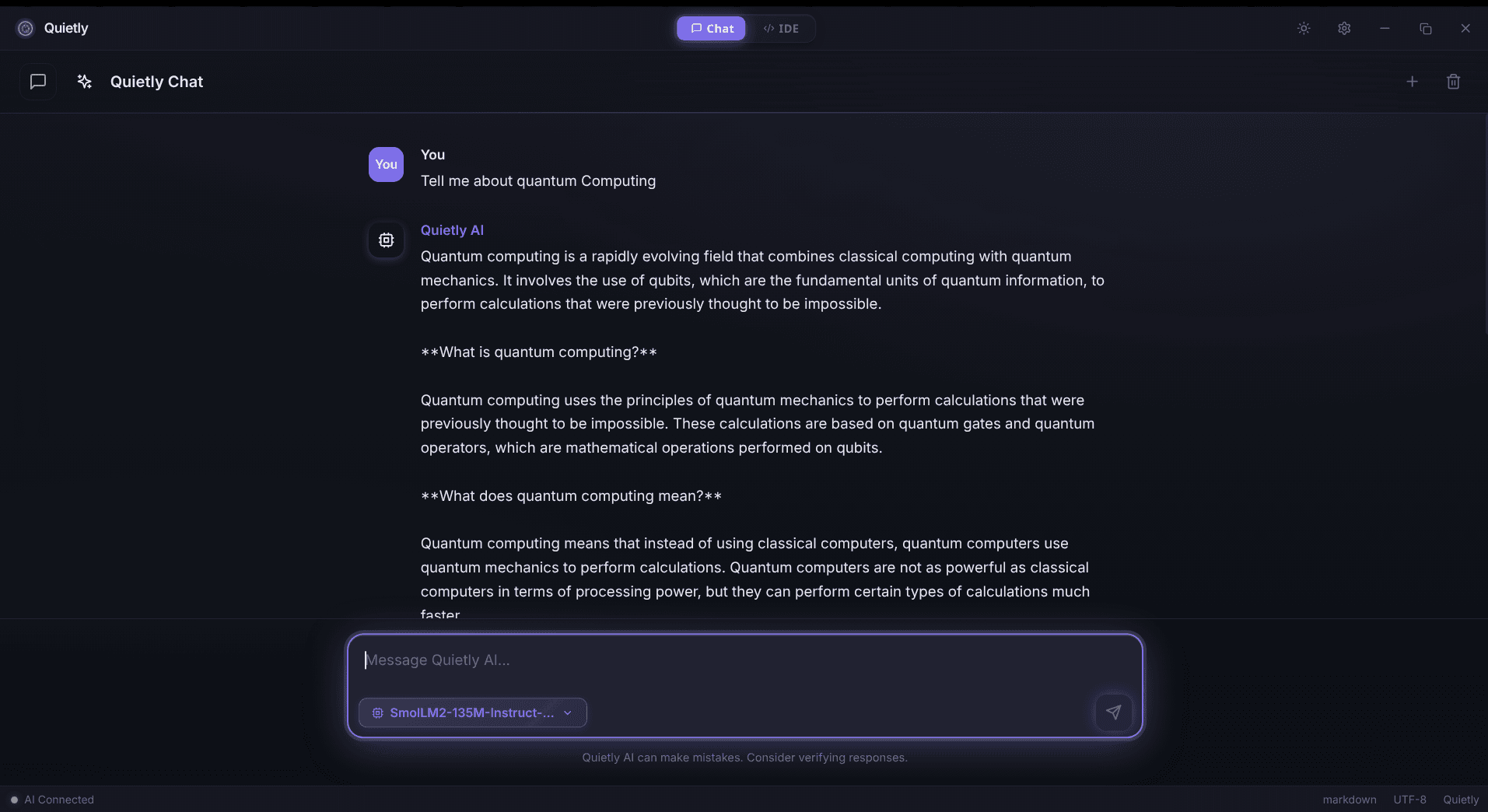
Local repo RAG vs DIY embeddings stacks
You can assemble vector DBs, watch folders, and IDE plugins yourself. Quietly’s bet is a single offline AI IDE where indexing, chat, terminal, and approval-based agents share one privacy boundary—so developers do not maintain a second platform.
- DIY: maximum flexibility; higher glue code and drift across machines.
- Cloud IDE RAG: polished; data boundary is contractual, not physical.
- Quietly Project Brain: local-first defaults, .quietly/ on disk, designed for private pair-programming.
note
Product links
quietlycode.org/local-ai-coding · quietlycode.org/offline-ai-ide · quietlycode.org/air-gapped-ai-ide · quietlycode.org/download
FAQ
What is local RAG for coding?
Local RAG indexes your repository on your machine and retrieves relevant code snippets to ground a local LLM’s answers—without uploading the codebase to a cloud embedding or chat service.
Where does Quietly store project indexes?
Quietly’s Project Brain keeps local RAG artifacts under a .quietly/ directory in the project. Treat it like regenerable cache; many teams add it to .gitignore.
Does local RAG mean my secrets are safe?
Local RAG prevents cloud upload of indexed chunks, but secrets can still be retrieved into the local prompt if they are indexed. Exclude .env and credential files via .gitignore and .quietignore.
How is this different from pasting files into ChatGPT?
Pasting is manual, incomplete, and sends data to a vendor. Local RAG automates relevant retrieval and keeps both index and inference on-device when you use Quietly’s offline stack.
Can teams use this in air-gapped networks?
Yes after provisioning: install Quietly, supply model files internally, build the local index, then operate with outbound network blocked. See Quietly’s air-gapped AI IDE guidance for deployment patterns.
Related guides
Awareness
VRAM Guide: What Local Coding Models Fit 8GB, 16GB, and 24GB (2026)
A practical VRAM budget for offline AI coding: which GGUF model sizes fit 8GB, 16GB, and 24GB GPUs, how KV cache eats memory, and how to pick a Quietly-ready stack that stays fast.
Awareness
Setting up a Privacy-First AI Workflow on GNOME & Arch Linux
A step-by-step, Linux-first workflow for local AI coding: offline defaults, network boundaries, model runtimes, and a practical setup checklist for GNOME + Arch.
Awareness
ChatGPT Offline Alternative for Non-Developers (Private Local Chat)
A practical ChatGPT offline alternative for students, writers, and professionals: private on-device chat without coding, what hardware you need, and how Quietly Chat keeps prompts off the cloud.