LM Studio vs Ollama vs Quietly (2026): Which Local AI Tool Should You Use?
A plain-English comparison of LM Studio, Ollama, and Quietly in 2026: what each one is really for, who should pick which, and why many people end up using more than one.
Comparison · 11 min
LM Studio vs Ollama vs Quietly (2026)
A plain-English comparison of LM Studio, Ollama, and Quietly in 2026: what each one is really for, who should pick which, and why many people end up using more than one.
Definition
LM Studio, Ollama, and Quietly all run large language models on your own computer. LM Studio is a desktop app for discovering and chatting with models, Ollama is a lightweight model runner built for the terminal and other apps, and Quietly is an all-in-one private workspace with an AI IDE, chat, image generation, and training.
If you have searched “how to run AI locally,” you have met the same three names over and over. They overlap enough to be confusing, but they are built for different people.
The short version: LM Studio is the friendliest way to try models, Ollama is the best engine to plug into other software, and Quietly is for people who want a finished, private tool for real work—especially coding—without assembling anything.
Below we compare them honestly, including where Quietly is not the right choice.
The 30-second answer
Who each tool is really for.
| If you want to… | Pick |
|---|---|
| Browse and test lots of models with a nice GUI, for free | LM Studio |
| Run models from the terminal or power other apps via a local API | Ollama |
| Code with a private AI IDE and agent, fully offline | Quietly |
| Chat, generate images, and fine-tune models in one offline app | Quietly |
| Build your own app on top of a local model server | Ollama or LM Studio |
What each tool actually is
LM Studio is a free desktop app (Windows, macOS, Linux) for finding, downloading, and chatting with open models. It has a polished model browser, a chat window, and a developer mode that exposes an OpenAI-compatible local server. On Apple Silicon it can also run MLX models.
Ollama is a free, open-source model runner. You pull a model with one command and it serves it through a local REST API that hundreds of tools already support. It has a simple desktop app too, but its real strength is being the engine behind other software.
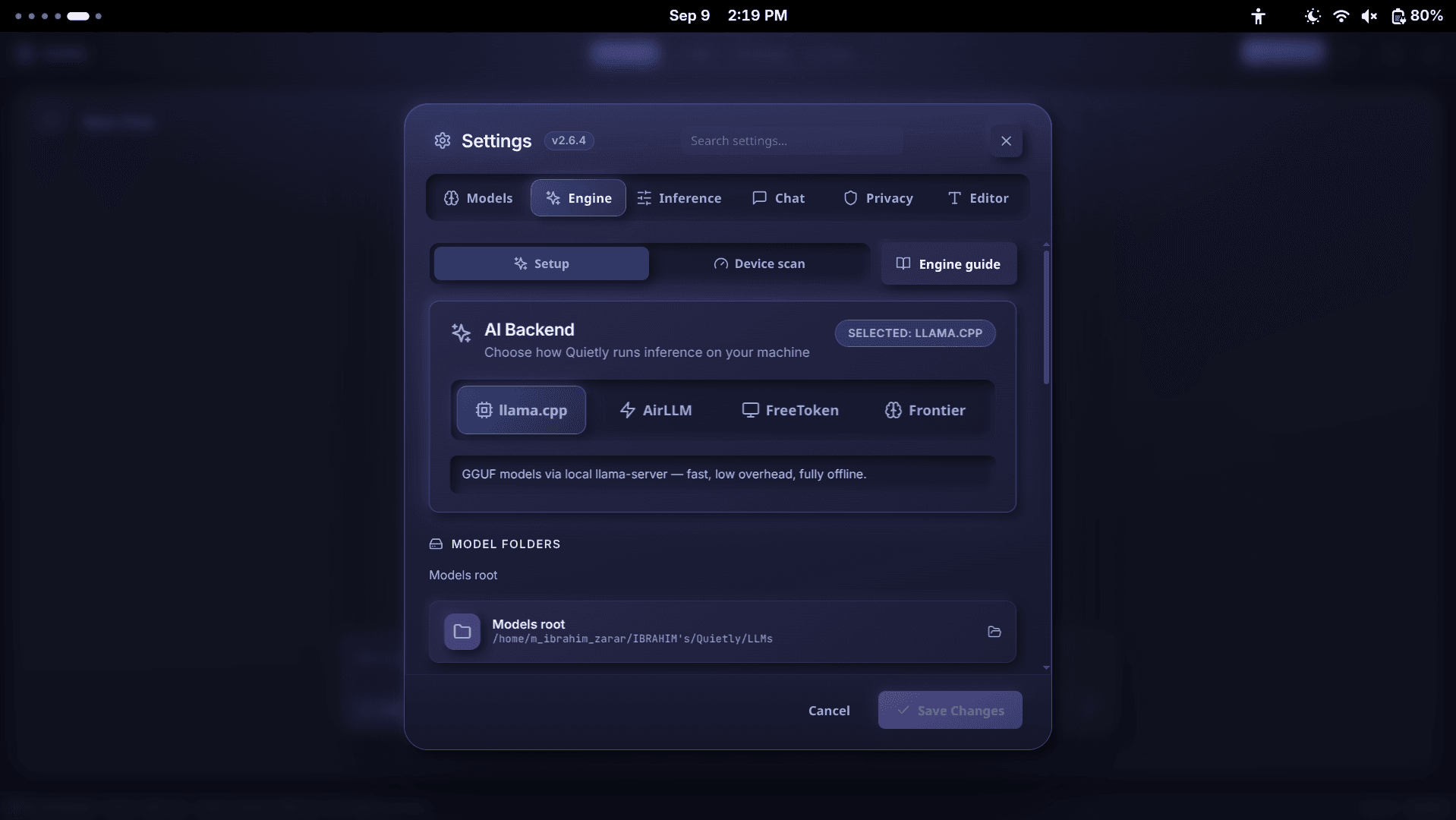
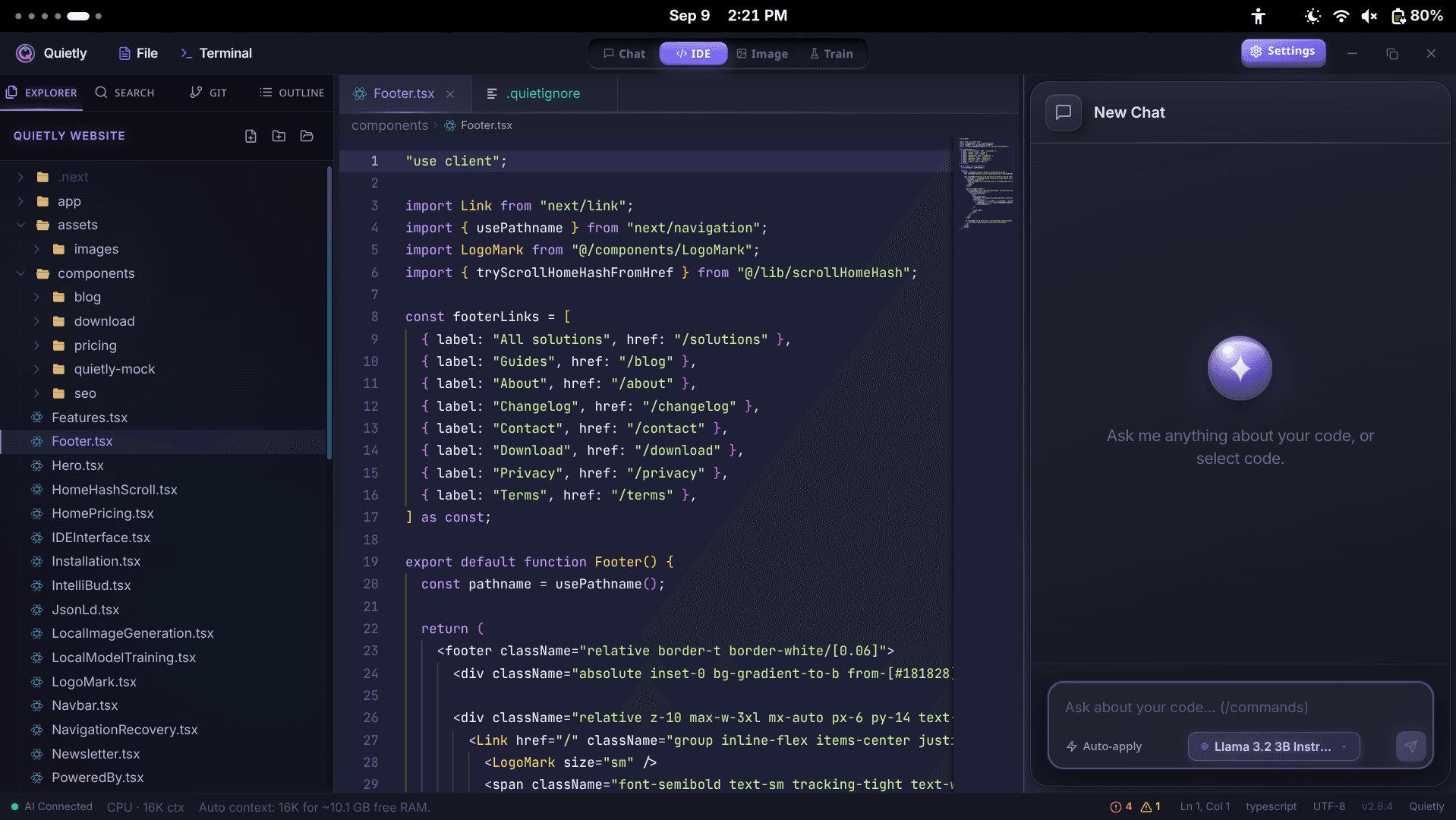
Quietly is a paid, all-in-one desktop workspace. Instead of focusing on the model runner, it wraps local engines (llama.cpp and others) in finished tools: a code editor with an AI agent, a standalone chat, an offline image studio, and a training tab for fine-tuning. It is designed to work with no internet and no telemetry.
Side-by-side comparison
Feature comparison as of 2026. LM Studio and Ollama evolve quickly—check their sites for the latest.
| LM Studio | Ollama | Quietly | |
|---|---|---|---|
| Price | Free | Free, open source | $49 one-time (3 devices) |
| Main interface | Desktop GUI | Terminal + API (plus a basic app) | Desktop GUI |
| Chat with models | Yes | Yes | Yes — with history, search, branches, Markdown export |
| Built-in code editor + AI agent | No | No | Yes — Monaco editor, agent, checkpoints, terminal |
| Codebase search (RAG) for coding | No | No | Yes — Project Brain, local index |
| Image generation | No | Not a focus | Yes — SDXL, FLUX, SANA |
| Fine-tuning (LoRA) | No | No | Yes — Train tab with GGUF export |
| Local API for other apps | Yes (OpenAI-compatible) | Yes (its own + OpenAI-compatible) | Not a focus — Quietly is the app |
| Hardware-aware model picks | Yes | No | Yes — Device scan with fit badges |
| Very large models on small GPUs | No | No | Yes, slowly — AirLLM layer streaming |
| Optional cloud features | Optional hub account | Optional cloud models | None — no cloud mode, no telemetry |
note
Same engine underneath
All three can run GGUF models powered by llama.cpp. On the same hardware and the same model file, raw generation speed is broadly similar. The real differences are what is built around the engine.
When LM Studio is the right choice
- You are curious and want to try many models quickly without paying anything.
- You like a clean GUI for tweaking settings and comparing answers.
- You want an OpenAI-compatible local server to point a script or another app at.
- You are on a Mac and want MLX-optimized models.
Where it stops: LM Studio is a model playground and server, not a work tool. There is no code editor, no agent that edits your files, no image generation, and no training.
When Ollama is the right choice
- You are comfortable in a terminal and want the lightest possible setup.
- You want a backend for other tools—VS Code extensions, note apps, web UIs, or your own code.
- You want to script, automate, or run models on a home server.
- You like open source and customizing models with Modelfiles.
Where it stops: Ollama is an engine, so you assemble the rest yourself—an editor extension, a chat UI, an embedding setup, and so on. That flexibility is great for tinkerers and a chore for everyone else.
When Quietly is the right choice
- You want a private AI coding assistant that works like Cursor or Copilot, without the cloud.
- You need a guarantee that nothing leaves your machine—Air-Gap Mode blocks all non-local traffic.
- You want chat, coding, images, and fine-tuning in one app instead of four tools.
- You do not want to touch a terminal: engine download, model picks, and context size are handled for you.
- You prefer paying once over monthly subscriptions.
warning
When not to pick Quietly
If you only want to experiment with models for free, start with LM Studio or Ollama. If you need a local model server for other apps, Ollama is the better fit. Quietly is for people who want a finished, private tool for daily work.
Can you use them together?
Yes, and many people do. GGUF model files are portable: a model you downloaded in LM Studio can be imported into Quietly through Models → Import Model, so you do not need to download it twice.
- Use LM Studio to explore and shortlist models.
- Use Ollama to power scripts, home servers, or other apps.
- Use Quietly for private coding, study, and creative work on your main machine.
FAQ
Is LM Studio better than Ollama?
Neither is strictly better. LM Studio is easier for beginners and has a nicer GUI; Ollama is lighter, open source, and better as a backend for other apps. Both use llama.cpp for GGUF models, so speed is similar.
What does Quietly do that LM Studio and Ollama don’t?
Quietly includes a full code editor with an AI agent, codebase search (Project Brain), checkpoints, an integrated terminal, offline image generation (SDXL, FLUX, SANA), and a Train tab for fine-tuning—all fully offline in one app.
Is Quietly free like Ollama and LM Studio?
No. Quietly is a $49 one-time license for up to 3 of your devices, with a 7-day refund. There is no subscription and no usage limit.
Can I use my LM Studio or Ollama models in Quietly?
GGUF files from LM Studio can be imported directly through Models → Import Model. Ollama stores models in its own blob format, so it is usually simpler to download the GGUF version from Quietly’s catalog or Hugging Face.
Which is best for coding offline?
For a complete offline coding workflow—editor, inline edits, agent, and codebase-aware answers—Quietly is built for that job. With Ollama you can assemble something similar using third-party editor extensions.
Related guides
Comparison
The Offline Cursor & GitHub Copilot Alternative: A Private AI IDE (2026)
Want Cursor- or Copilot-style AI coding without sending your code to the cloud? An honest look at what a private, offline AI IDE can do in 2026, where it still trails, and how Quietly fills the gap.
Comparison
Best Local Coding Models You Can Run Offline in 2026
A hardware-honest shortlist of open coding LLMs for offline IDEs: which model classes win for 8GB, 16GB, and 24GB, how to judge agent readiness, and how to load them in Quietly without cloud APIs.
Comparison
Offline AI Image Generation on Your PC: SDXL vs FLUX vs Sana (2026)
Generate AI images on your own computer with no internet, no credits, and no uploads. SDXL, FLUX.1 schnell, and SANA compared in plain English—what hardware each needs and which one to pick.