Linux IDE
Linux IDE for privacy-first local AI development
Linux developers who self-host tooling and care about transparency get a native offline AI IDE—Quietly ships AppImage, .deb, and .rpm builds and runs local models without a cloud account.
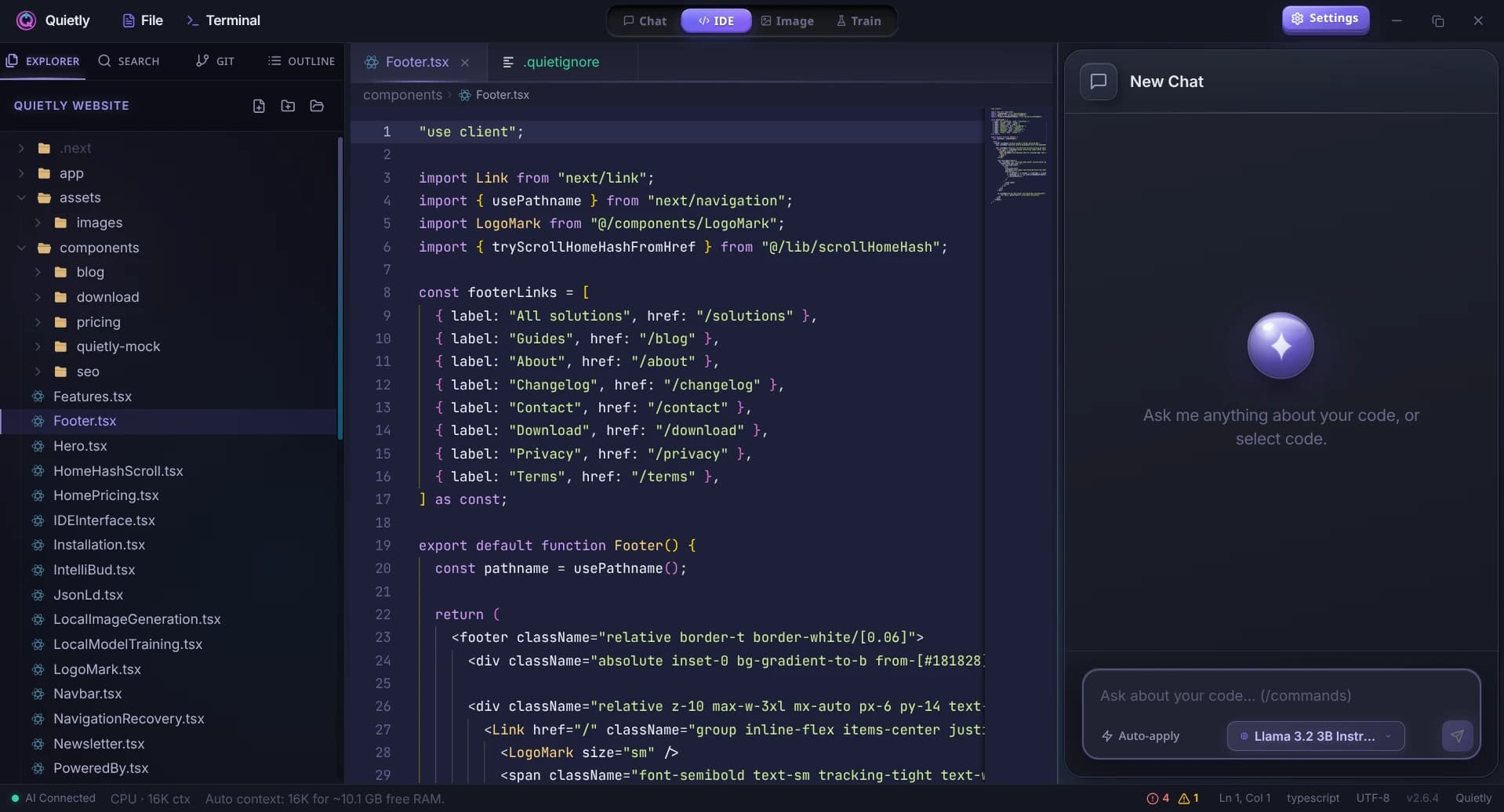
Linux-native installers
Download from quietlycode.org/download—pick AppImage or your preferred package format.
Works across major distros
Ubuntu, Debian, Fedora, Arch, and rolling-release setups—pair Quietly with your desktop or window manager without a SaaS login.
Local LLM stack you control
llama.cpp (Vulkan, ROCm or CPU), AirLLM, Frontier, and FreeToken on NVIDIA GPUs—the backends Linux developers already use, managed for you.
Why Linux developers pick a local AI IDE
Custom kernels, local-only workflows, and minimal cloud dependency make generic cloud assistants a poor fit—API keys, sync, and telemetry clash with how many Linux users work.
Quietly targets that mindset: control over models, offline use after setup, and an IDE that does not phone home with prompt content.
Getting started on Linux
Install from the download page, run the in-app auto-download for the Llama server, then fetch a coding model. After that, development is offline-capable.
For locked-down or air-gapped environments, see our air-gapped AI IDE page for deployment patterns.
Guides
Local AI on Linux: Install with AppImage, .deb, .rpm or on Arch (2026 Guide)
A practical guide to running local AI on Linux: which package to choose (AppImage, .deb, .rpm), how to install on Ubuntu, Fedora, and Arch, GPU drivers for NVIDIA and AMD, and fixes for common Wayland and blank-screen issues.
Setting up a Privacy-First AI Workflow on GNOME & Arch Linux
A step-by-step, Linux-first workflow for local AI coding: offline defaults, network boundaries, model runtimes, and a practical setup checklist for GNOME + Arch.
Switching from Windows to Linux for AI Development: Why I Chose Arch & Quietly
A personal, technical migration story: why Arch Linux + a local-first AI workflow feels faster, calmer, and more private for day-to-day development.