Top 5 Local AI Coding Tools You Can Run Offline (2026 Edition)
A practical shortlist for privacy-first developers: compare RAM needs, latency, and offline guarantees for popular local AI coding workflows (including Quietly).
Comparison · 10 min
Top 5 Local AI Coding Tools You Can Run Offline (2026…
A practical shortlist for privacy-first developers: compare RAM needs, latency, and offline guarantees for popular local AI coding workflows (including Quietly).
Definition
Local AI Coding is when code suggestions and AI chat run on-device (or on your own LAN), so you can keep coding with zero internet and keep proprietary context out of cloud APIs.
If you care about privacy, latency, or just want your tools to work on a plane: local AI is no longer a niche.
Below is a pragmatic comparison of five offline-friendly approaches — including a table you can use to quickly shortlist what fits your RAM and workflow.
What “offline-first” looks like in practice
Quick comparison table (RAM, latency, offline guarantees)
High-level comparison. Actual numbers depend on model choice and your machine.
| Tool / Workflow | Typical RAM (dev machine) | Latency feel | Offline by default | Best for |
|---|---|---|---|---|
| Quietly | 8–32 GB | Fast / consistent | Yes | Private coding + chat inside a focused IDE experience |
| Ollama + editor integration | 8–64 GB | Depends on model | Yes | Simple local model serving + flexible integrations |
| Continue.dev (local model) | 8–64 GB | Depends on setup | Yes | VS Code users who want customizable prompts + local providers |
| llama.cpp server + custom scripts | 8–64 GB | Fast for smaller models | Yes | Tinkerers who want maximum control |
| Self-hosted LAN endpoint (your server) | Varies (server-side) | Good on LAN | Yes (internal) | Teams who want shared models with internal governance |
note
About “100% offline”
Offline means the assistant can fully function without talking to third-party APIs. Updates/downloads can be optional, but the default coding loop should not require the internet.
1) Quietly (offline-first AI coding + chat)
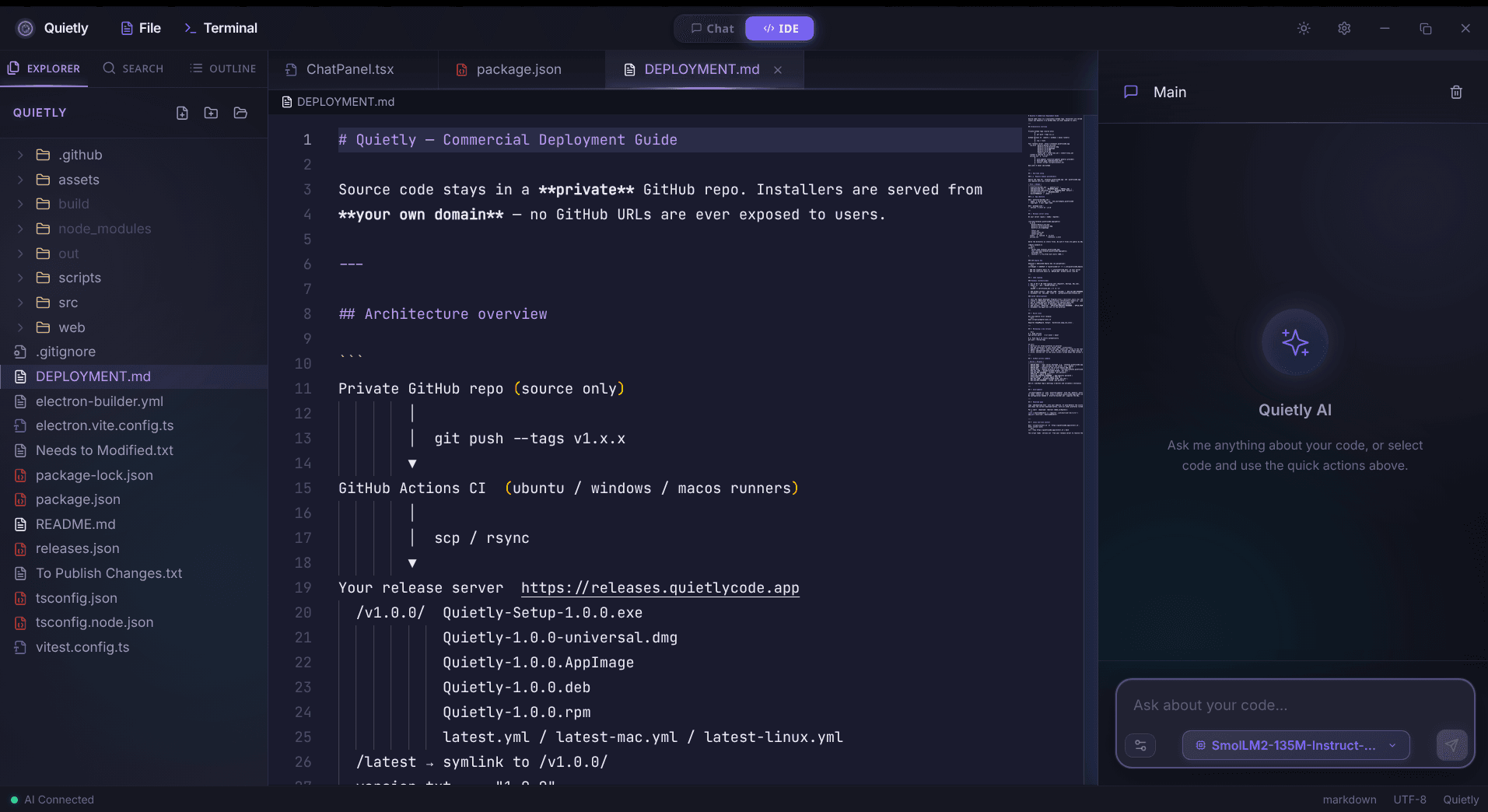
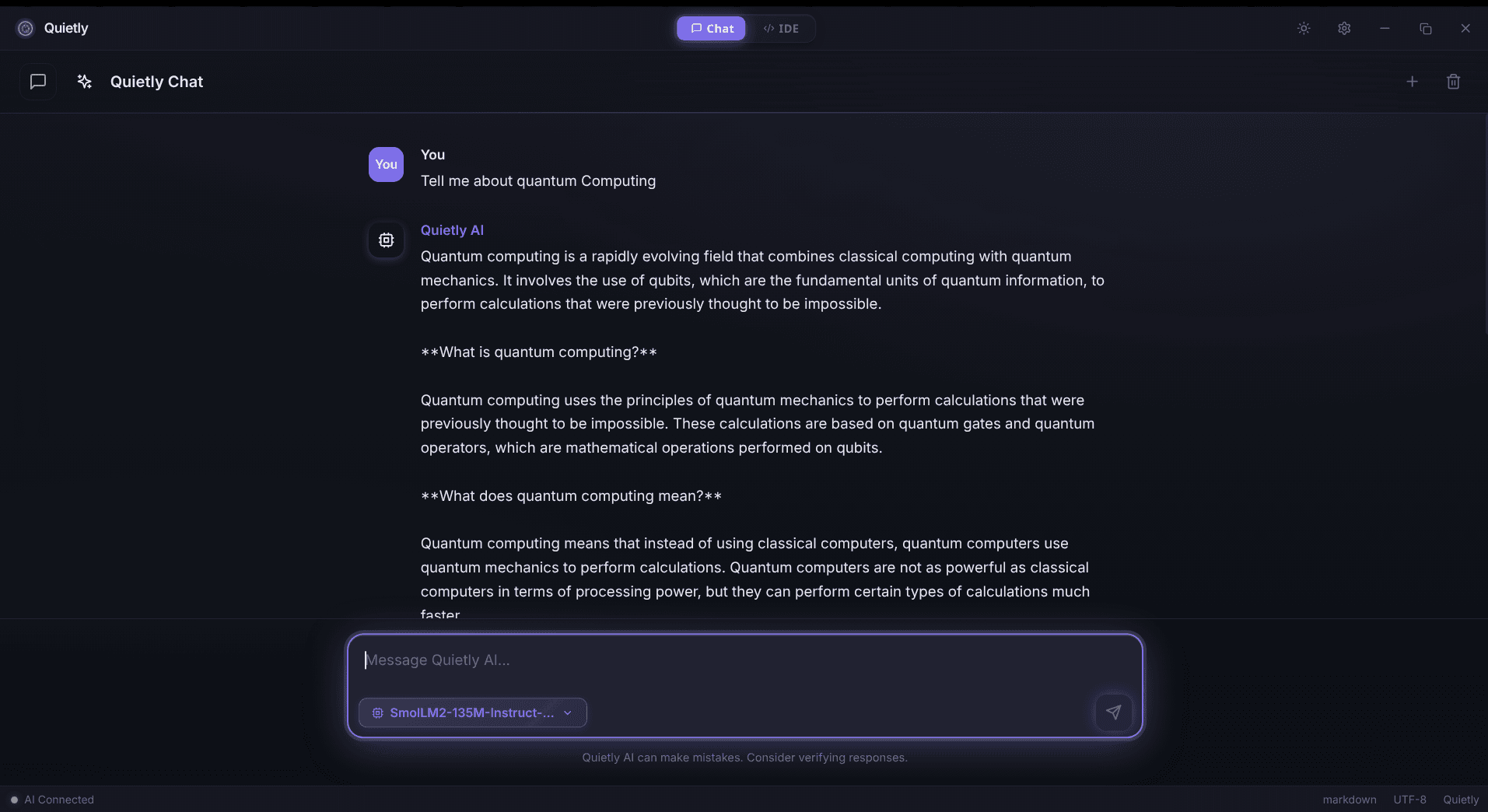
Quietly is built around a local-first mental model: your prompts and code context stay on your machine, so you can keep working in sensitive repos without cloud round trips.
tip
Offline sanity check (no commands)
The simplest test: disable Wi‑Fi and keep coding. If your assistant still answers and your workflow doesn’t degrade, you’re truly offline-first. If it silently fails, you’re still coupled to the cloud.
2) Ollama (local model runner)
Ollama is a popular way to run local models quickly. Pair it with an editor plugin or a custom script to bring completions/chat into your workflow.
- Run a local model runtime on your machine.
- Point your editor/assistant to a localhost endpoint (not a third-party API).
- Start with a smaller model for responsiveness, then scale up only if needed.
3) Continue.dev (offline configuration)
Continue.dev is a configurable assistant that can talk to local providers. It’s a strong choice if you want prompt templates, custom commands, and editor-native UX.
note
Configuration idea (in plain English)
Choose a local provider + keep the endpoint on localhost/LAN only. The privacy win is the network boundary: your prompts never need to cross it.
4) llama.cpp server + custom integrations
For maximum control, run a llama.cpp-style server locally and wire it into your own tooling. This is great for power users who want to tune quantization, context size, and CPU/GPU offload.
- Run a local inference server.
- Use a simple HTTP client from your tools to send prompts to localhost.
- Keep logs metadata-only (avoid recording prompt bodies).
5) Self-hosted LAN model endpoint (team setup)
Teams sometimes prefer a shared internal endpoint: easier governance, better GPUs, and no cloud boundary. It’s still “local” in the privacy sense if it never leaves your network.
warning
Don’t recreate the cloud inside your LAN
If you centralize prompts, you must also centralize logging discipline, access control, and retention policies. Internal doesn’t automatically mean safe.
How to choose (fast)
- If you want an offline-first, integrated experience: choose a local-first IDE workflow (Quietly).
- If you want a general local model runner: Ollama-style runtime + your preferred editor.
- If you want customization inside VS Code: Continue.dev + local providers.
- If you love control and tinkering: llama.cpp server + your own scripts.
- If you’re a team with governance needs: self-hosted LAN endpoint.
FAQ
Is Quietly really 100% offline?
Quietly is designed for local execution so day-to-day coding assistance doesn’t require third-party APIs. You need a connection for the initial setup — installing the app and downloading models — and optionally for update checks. After that, you can keep your workflow offline by using local models and local endpoints.
Do I need a GPU for local AI coding?
Not always. Many smaller code-focused models work well on CPU with enough RAM, though GPUs can improve latency for larger models.
What’s the biggest bottleneck for offline tools?
Memory pressure (RAM/VRAM) and latency. A slightly smaller model that stays responsive often beats a larger model that breaks your flow.
Can I run local AI on a team network instead of each laptop?
Yes — a LAN-only endpoint can keep prompts inside your environment, but you’ll need strong access control and careful retention/logging policies.
Related guides
Awareness
ChatGPT Offline Alternative for Non-Developers (Private Local Chat)
A practical ChatGPT offline alternative for students, writers, and professionals: private on-device chat without coding, what hardware you need, and how Quietly Chat keeps prompts off the cloud.
Comparison
Best Local Coding Models You Can Run Offline in 2026
A hardware-honest shortlist of open coding LLMs for offline IDEs: which model classes win for 8GB, 16GB, and 24GB, how to judge agent readiness, and how to load them in Quietly without cloud APIs.
Awareness
Offline AI Chat: The Private Local LLM Chatbot Guide (2026)
What offline AI chat is, why people switch from cloud ChatGPT-style bots, and how Quietly runs private on-device conversations on Windows, macOS, and Linux.